
A practical UK explainer: what an IPTV stream actually is, how it’s delivered, what causes buffering, and the quickest steps to improve stability on common home setups.
IPTV Stream Explained: How Internet TV Streaming Really Works
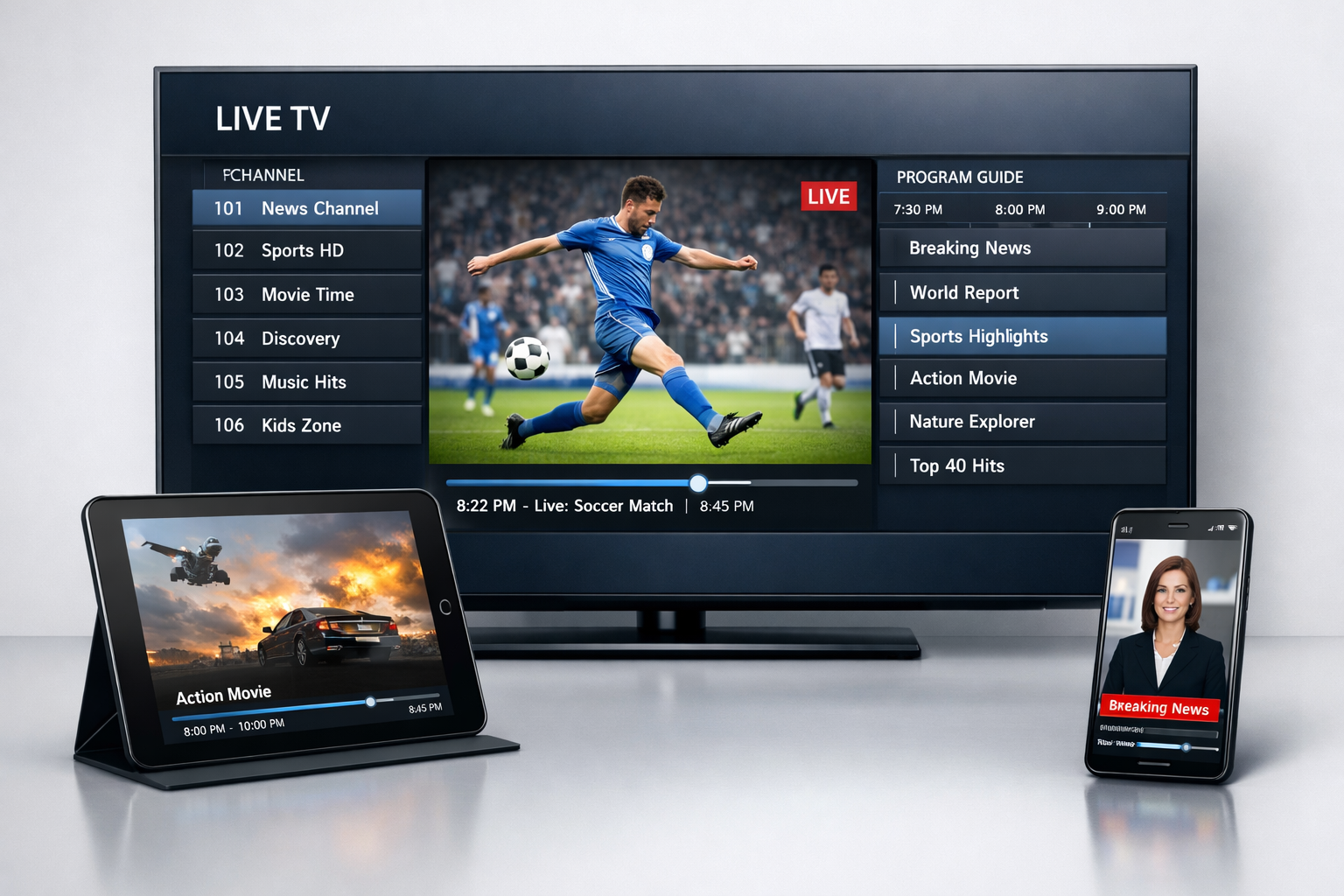
Hero image pack (copy/paste):
- Image prompt: Photorealistic UK home living room. A modern smart TV shows a generic IPTV “Live Stream” screen with neutral tiles (Live, EPG, VOD, Network Test, Settings) and a small status bar showing bitrate and signal stability icons (generic, no brands). A streaming box and remote on the console, router visible in the background. No logos, no channel names, no copyrighted content. Natural daylight, realistic reflections, professional product photo, 16:9, high detail.
- SEO filename: iptv-stream-uk-explained.webp
- Exact alt text: iptv stream playing live television content on smart tv with internet connection (UK)
UK legal note: IPTV is a delivery method. The legality of specific streams depends on licensing and rights.
Use services and content you are authorised to access. This article is educational and focuses on streaming technology and stability.
Quick navigation
📌 What is an IPTV stream?
An IPTV stream is a continuous flow of video and audio delivered over the internet using IP-based networking. Instead of receiving a broadcast signal through cable or satellite, your device receives small chunks of data in real time, then decodes them into picture and sound. Most people think of “a stream” as a single link, but in practice it’s a chain of steps: capture → encode → deliver → decode → display. When any part of that chain struggles (your Wi-Fi, your device, the source server, or congestion at peak time), you feel it as buffering, freezing, quality drops, or delay.Plain-English definition: An IPTV stream is internet-delivered TV video data that your device plays live (or on demand)
when you request it.
🔄 How IPTV streaming works behind the scenes
IPTV streaming looks simple on the surface, but it’s built on a few core stages that happen quickly and repeatedly. Understanding these stages helps you diagnose problems without guessing.1) Capture
Video content starts at a source: a live feed (for live TV), a stored file (for VOD), or a time-shifted recording (for catch-up). The source is then prepared for internet delivery.2) Encoding and compression
The content is converted into a streamable format (encoded). Compression reduces bandwidth use by shrinking the video data while aiming to keep the picture looking good. Strong encoding helps on slow connections, but aggressive compression can produce artefacts.3) Packaging for delivery
Many systems split video into small segments so the player can fetch and play them smoothly. This also allows quality to adapt to your connection over time rather than failing instantly when conditions change.4) Transport over the internet
Segments or packets travel through your ISP and home network to your device. Any congestion here can add delay or cause buffering.5) Decoding and playback
Your device decodes the video and audio and renders it on the screen. If the device is underpowered (or overheating), playback becomes choppy even if your internet is fine.Why this matters: buffering is not always “the server”. It can be Wi-Fi interference, a weak device decoder,
or peak-time congestion in your home or ISP route.
📺 Types of IPTV streams
“IPTV stream” is a broad term. The playback behaviour is different depending on what kind of content you’re streaming, even if the app looks the same.Live IPTV streams
Real-time channels. These are most sensitive to peak-time congestion because they are continuous and time-based. Live content can also show delay compared with traditional broadcast.- Best for: real-time viewing
- Main risk: buffering during peak hours
- Common symptom: delay behind “real-time” events
On-demand IPTV streams (VOD)
The stream starts when you click a title. Because the content is stored, it can sometimes be delivered more consistently. But library performance depends on how well the backend is organised.- Best for: movies and series
- Main risk: slow loading or broken metadata
- Common symptom: buffering at the start or mid-play
Time-shifted / catch-up streams
Lets you replay previously aired content. This is feature-heavy and can fail if the system isn’t maintained properly. If catch-up matters, test it specifically.- Best for: watching after broadcast
- Main risk: missing episodes or broken playback windows
- Common symptom: “not available” errors
Adaptive vs fixed bitrate
Some streams can adjust quality dynamically as your connection changes. Others stay fixed and either play or fail. Adaptive behaviour often feels smoother on real home networks.- Best for: unstable networks
- Main risk: quality drops during congestion
- Common symptom: sudden resolution changes
⭐ What affects IPTV stream quality?
IPTV stream quality is the result of several factors stacking together. Most performance improvements come from fixing the easiest bottleneck first—usually the home network or device.1) Internet stability (not just speed)
For streaming, consistent throughput matters more than the biggest possible headline speed. A connection that swings wildly can buffer even if a speed test looks “fine”.2) Home network conditions
- Wi-Fi interference: walls, neighbours, and appliances can degrade stability.
- Router placement: distance and obstacles matter more than people expect.
- Congestion: multiple devices streaming/downloading at once reduces available bandwidth.
3) Server capacity and routing
Even a perfect home network can’t fix an overloaded source. If many viewers hit the same streams at once, buffering becomes normal. Routing also matters: your ISP path to a server can vary by time and location.4) Device decoding power
Underpowered or overheated devices can stutter, freeze, or desync audio/video. This is why a good box or stick often feels smoother than some smart TV-only apps.5) Player settings
Settings like hardware decoding, buffer size, and playback engine can make a noticeable difference—especially on older devices.Best quick test: If the same stream buffers on your TV but plays fine on a wired laptop,
the issue is often Wi-Fi, device power, or player settings.
⚠️ Common IPTV streaming issues (and what they usually mean)
Most IPTV streaming problems fall into a few categories. Use these patterns to narrow causes quickly.Buffering or freezing
- Often means: unstable Wi-Fi, congestion, or an overloaded stream source.
- Fast check: test the same content on Ethernet (or nearer the router).
Audio-video sync issues
- Often means: device decoding strain, player engine mismatch, or a problematic stream encode.
- Fast check: switch playback engine or toggle hardware decoding.
Large delay during live events
- Often means: streaming buffers are intentionally larger, or the delivery pipeline introduces latency.
- Fast check: reduce buffer size (moderately) and avoid “extra-large buffer” modes.
Quality drops (pixelation) during busy hours
- Often means: adaptive delivery reacting to reduced throughput.
- Fast check: move to Ethernet or reduce competing network usage.
Common mistake: changing apps repeatedly without checking Wi-Fi strength near the TV.
Fix the network first—then fine-tune the player.
🛠️ Fast fixes for UK home setups (practical and non-technical)
If you want quick improvements, start with the highest-impact steps that don’t require specialist knowledge. Most UK households can do these in minutes.1) Use Ethernet for the main TV device
A wired connection removes most Wi-Fi problems instantly. If your router is far away, consider a tidy cable route or repositioning your router closer to the main viewing area.2) Reduce peak-time congestion
- Pause heavy downloads or cloud backups while streaming.
- Limit simultaneous 4K streaming on other devices if buffering appears.
- Restart the router occasionally if stability degrades over long uptime.
3) Optimise router placement (simple rule)
Put the router in an open area, not behind the TV, not inside a cabinet, and not on the floor. Even small changes can improve signal consistency.4) Adjust the player (minimal changes)
- Keep hardware decoding enabled unless it causes crashes.
- Use a moderate buffer instead of the largest available.
- Try an alternative playback engine if your app provides one.
5) Confirm your device isn’t the bottleneck
If your device gets hot or stutters across multiple streams, consider using a more capable streaming device. This often improves overall responsiveness, not just buffering.Quick troubleshooting order: Ethernet test → reduce congestion → player settings → device performance → source quality.
🧠 IPTV stream vs traditional TV broadcasting
IPTV streams give you flexibility and multi-device access, but they rely on the internet end-to-end. Traditional TV is usually more “fixed” but often has lower latency and fewer home-network variables.| Aspect | IPTV stream | Traditional TV |
|---|---|---|
| Delivery method | Internet-based | Cable / satellite / broadcast |
| On-demand capability | Built-in (often) | Limited / provider dependent |
| Device flexibility | High (TV, mobile, box, laptop) | Lower (mostly TV-first) |
| Reliability depends on | Internet + device + source | Signal quality + provider |
| Latency for live | Can be higher | Often lower |
🔗 Related UK guides
Replace these URLs if your site uses different slugs—keep the anchor text descriptive for SEO.
❓ FAQs about IPTV streams
Does faster internet always fix IPTV buffering?
Not always. Stability matters more than headline speed. Wi-Fi interference, router placement,
and peak-time congestion can cause buffering even on fast connections.
Why is live IPTV delayed compared with broadcast TV?
Streaming often uses buffering and segment delivery to keep playback stable, which can add delay.
Larger buffers usually increase stability but add latency.
What’s the best device type for stable streaming?
A capable streaming stick or Android TV box on Ethernet (or strong Wi-Fi) is often the most consistent.
Smart TV apps can work well, but they vary by manufacturer and app availability.
Is an IPTV stream the same as a playlist?
A playlist is a list of links or access entries. A stream is the actual live delivery of video/audio data
when you press play. The playlist points to the stream.
How can I test whether the issue is my network or the source?
Test the same content on a wired device (Ethernet) if possible. If it becomes stable,
the problem is likely Wi-Fi or device performance. If it still buffers, it’s often the source or routing.
🧠 Final overview
An IPTV stream is the live delivery of TV video and audio over the internet. It offers flexibility across devices, but it’s more sensitive to real-world network conditions than traditional broadcasting. If you focus on stability (Ethernet where possible), reduce congestion, and keep device decoding strong, you’ll get a noticeably smoother experience. Use this guide as your baseline: understand the chain (network → device → source), fix the easiest bottleneck first, and you’ll spend less time chasing random “fixes” that don’t address the real issue. Back to top🌐 Neutral external resources
General references for streaming technology and online safety. No provider links.
- What is streaming? (Cloudflare Learning)
- Media delivery basics (Akamai)
- Staying secure online (UK NCSC)
Link policy: First 2 are “follow” (noopener/noreferrer). Remaining links are nofollow for safer outbound linking.
IPTV Smarters EPG Guideiptv smarters player firestick setupbest iptv services UKbest iptv for firestick4k iptvtop rated iptvsmarters iptviptv subscribeiptv streamersiptv smarters pro pciptv smarteriptv reviewsiptv playlistiptv francebest iptv servicesbest iptv provideriptv UKiptv suppliersiptv smarters pro subscriptioniptv service providerbest for iptvis iptv legaliptv streamingiptv box pricesiptv scheduleiptv tvpublic iptv playlistiptv subscription guideiptv streamiptv smarters playeriptv proiptv playerbest iptv 2026iptv servicesiptv providers 2026IPTV free trialIPTV Smart Playeriptv serviceiptv encoderiptv boxbest IPTVWhat is IPTVIPTV Smarters