

Devices & Setup (UK Guide)
IPTV Box Prices (2026): UK Price Tiers, What You Actually Get, and How to Buy Smart
IPTV box prices swing a lot because “IPTV box” can mean several types of streaming devices: basic Android boxes, certified Android/Google TV streamers, premium set-top boxes, or IPTV-focused receivers. The right choice isn’t “the most expensive” — it’s the box that matches your viewing habits, your internet setup, and how long you expect the device to stay fast and stable.
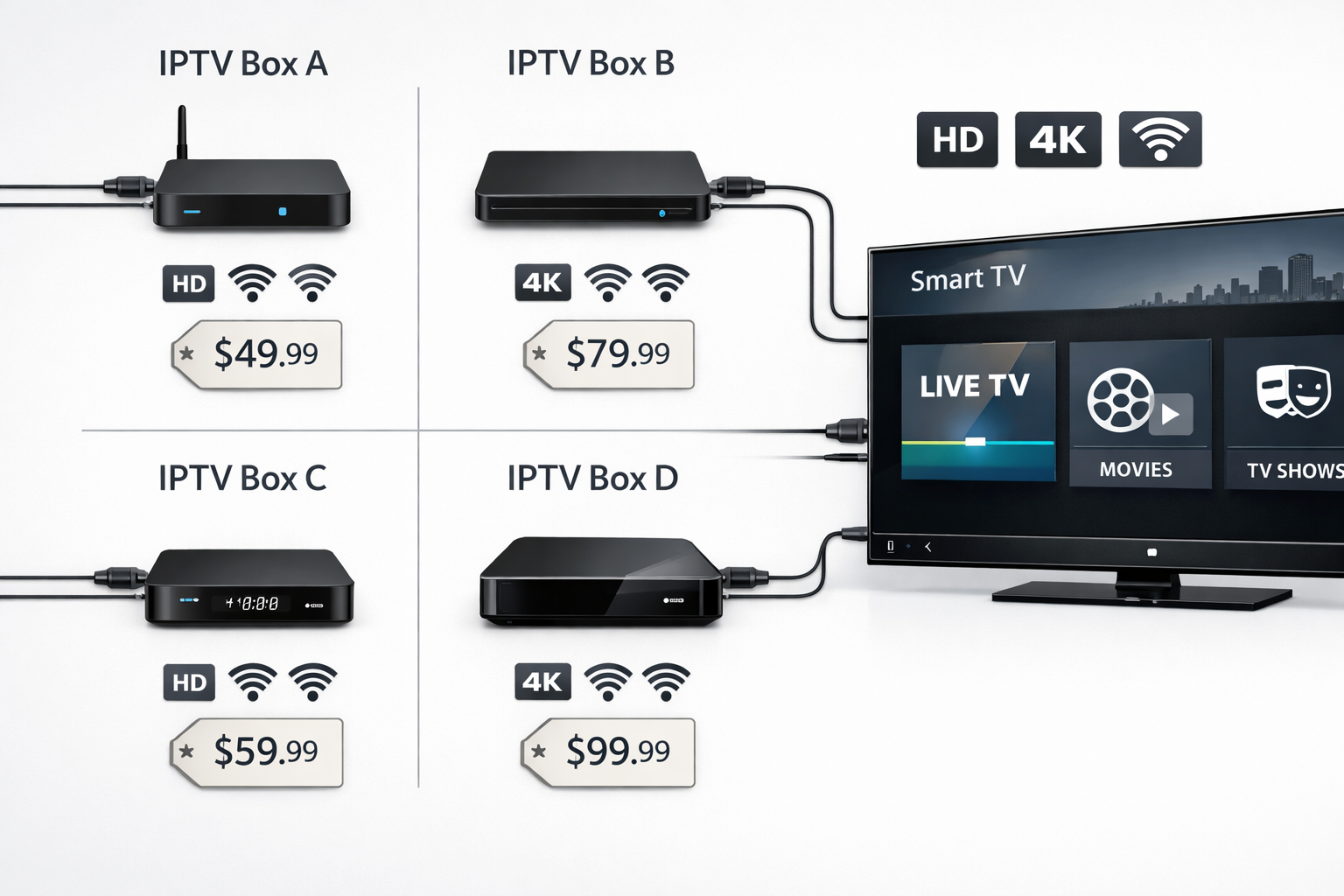
💰 Typical IPTV box price ranges (UK tiers)
You’ll see pricing banded into predictable tiers. Exact numbers change with sales and new models, but these ranges are stable enough to plan a purchase around.
| Tier | Typical UK price | Best for | Main compromises |
|---|---|---|---|
| Entry-level | ~£25–£60 | Light HD use, spare TVs, basic apps | Weak processors, limited updates, inconsistent Wi-Fi |
| Mid-range | ~£60–£120 | Daily streaming, smoother menus, better stability | Some models still limited in long-term OS support |
| Premium | ~£120–£220+ | Fast UI, better decoding, longer lifespan, heavy use | Higher upfront cost (but usually lower “friction cost”) |
If you’re browsing and everything looks “cheap,” pause and check whether the device is certified, whether updates are realistic, and whether the seller is bundling questionable “extras.” A box is a hardware purchase — separate from any subscription you might use later.
🧩 What affects IPTV box prices?
Price differences usually come down to the parts inside the box, the software it runs, and whether the manufacturer supports the product after launch. Here are the big levers that push cost up (and often improve the experience).
- CPU/GPU performance: Faster chips keep menus smooth and reduce stutter in high-bitrate streams.
- RAM and storage: More RAM helps multitasking; more storage helps caching, apps, and updates.
- Video decoding support: Hardware decoding for modern codecs can be the difference between “silky” and “choppy.”
- OS and certification: Certified Android/Google TV devices often get more reliable app compatibility and updates.
- Wi-Fi/Ethernet quality: Stable networking matters more than raw internet speed on paper.
- Long-term updates: Devices with real update cycles last longer and feel better for years.
- Build quality and thermal design: Cheap boxes can overheat and throttle, especially during long sessions.
📦 What you get at each tier (real-world expectations)
Entry-level (~£25–£60)
Budget boxes can work if your expectations are realistic. They’re often fine for a spare room TV or light usage, but they can struggle when you stack “heavy” tasks: big EPG loads, multiple apps, high-bitrate streams, or long sessions.
- Generally okay for basic HD streaming and simple interfaces.
- Menus may feel slow with large libraries or many categories.
- Updates can be limited, which impacts long-term reliability.
- Wi-Fi may be weaker (and that shows up as buffering during peak hours).
Mid-range (~£60–£120)
This tier is the sweet spot for most households. You typically get better stability, smoother navigation, and a device that remains usable even after months of daily use. If you stream most nights, this is often the most balanced spend.
- Smoother menus and faster app launches.
- Better overall stability with EPG and larger libraries.
- More consistent networking and fewer “random” dropouts.
- Better odds of meaningful firmware/security updates.
Premium (~£120–£220+)
Premium pricing usually buys you speed, polish, and longevity. The experience difference is often most noticeable in the little things: snappy navigation, quick category changes, better decoding headroom, and fewer crashes.
- Fast UI and strong decoding for high-bitrate content.
- Better long-term performance (less “slowing down” over time).
- More reliable compatibility with mainstream apps and accessories.
- Better thermal design — important for long sessions.
📺 IPTV box prices vs Smart TV apps
Many people ask: “Why pay for a box when my TV already has apps?” Here’s the clean answer: smart TVs often start fine, then degrade as apps get heavier and the TV stops receiving meaningful updates. A dedicated box separates streaming performance from your TV’s built-in limitations.
| Aspect | Dedicated box | Smart TV apps |
|---|---|---|
| Upfront cost | Yes (one-time hardware) | Usually none |
| Performance consistency | Typically stronger and more predictable | Depends on TV model and age |
| App flexibility | Often higher | Can be limited by TV OS |
| Long-term reliability | Usually better with supported devices | Can degrade as TV stops updating |
If you stream only occasionally, a TV app can be enough. If you stream daily or rely on a big guide/library, a mid-range device often pays for itself in reduced frustration.
For a broader setup checklist, see: Best for IPTV (devices + setup) and IPTV streaming (how quality is affected).
⚙️ Specs that matter for smooth playback
Spec sheets can be confusing, so here’s a practical translation. You don’t need to chase the highest numbers — just avoid the common weak points that cause lag and buffering symptoms.
1) RAM (memory)
RAM affects multitasking and how smoothly apps behave with large lists (categories, EPG grids, big VOD libraries). More RAM is useful, but it’s not everything. A well-optimised OS on a good chipset can beat a “paper spec monster.”
2) CPU/GPU (overall speed)
This is the “feel” of the device: menu speed, search responsiveness, and how quickly it recovers when you jump between apps. Slow chips create the classic problem: audio continues but the screen stutters, or the UI becomes unresponsive.
3) Hardware decoding and codec support
Modern streams may use newer codecs. If the box can decode in hardware, playback is smoother and the device runs cooler. If decoding falls back to software, you’ll see frame drops, heat, and instability — especially at higher resolutions.
4) Networking (Wi-Fi/Ethernet)
Streaming doesn’t just need speed — it needs consistency. A budget box with poor Wi-Fi can “buffer” even on fast broadband. Ethernet is still the easiest upgrade for stability if your main TV setup allows it.
5) Updates and platform support
A device that gets real updates stays compatible longer, handles security fixes, and avoids weird “app stopped working” moments after an OS change on the provider side. This is one of the biggest differences between bargain devices and reputable mid-range models.
🛒 How to choose the right IPTV box for your budget
Use a simple decision process. It prevents overspending and avoids the “cheap now, replace later” loop.
Step 1: Define your viewing pattern
- Light: a few hours per week, mostly HD, small libraries.
- Regular: most nights, EPG use, frequent switching, family use.
- Heavy: long sessions, multiple apps, larger libraries, high-bitrate playback.
Step 2: Match the tier to your pattern
- Light: entry-level can work if you buy from a reputable source.
- Regular: mid-range is usually best value.
- Heavy: premium devices often save time and frustration long term.
Step 3: Check device compatibility (before you buy)
Make sure your preferred apps actually run well on the platform you’re buying. Some TV OS platforms are restricted; some Android boxes are not certified; some devices have poor remote support. Compatibility issues feel like “buffering” to many users, but the root cause is UI/OS limitation, not internet speed.
Step 4: Prioritise stability upgrades that are cheap
- Ethernet for the main TV if possible.
- Router placement (reduce Wi-Fi interference).
- Quality HDMI cable if you see flicker/handshake issues.
For setup reliability, you may also like: Best for IPTV and IPTV streaming.
🎯 Best picks by scenario (simple decision guide)
Spare room TV / occasional use
Choose a reputable entry-level device with stable networking. Don’t chase exaggerated “8K” claims. Your goal is “works when needed,” not “fastest on paper.”
Main living room (daily use)
Mid-range is usually the best balance: smoother menus, better decoding headroom, and fewer random issues. If your household uses EPG heavily, this tier tends to feel much better.
Family profiles / multi-device habits
Prioritise a device that stays responsive under heavy navigation. Better remotes and stable OS updates are quality-of-life upgrades that matter every day.
Performance-focused setup
Premium devices shine when you hate lag, switch content frequently, and want the box to feel fast for years. If you’re “all streaming, no cable,” premium can be rational.
Wi-Fi only household
If you can’t use Ethernet, buy a box known for reliable Wi-Fi hardware. Poor Wi-Fi is one of the most common causes of “buffering that isn’t really buffering.”
Long-term value shopper
Measure value by lifespan. A slightly higher upfront cost can be cheaper if it avoids replacement and reduces daily friction (reboots, crashes, sluggishness).
❓ FAQ
Are IPTV boxes worth it if my Smart TV already has apps?
Often yes for daily streaming. A dedicated box usually delivers more consistent performance and longer-lasting app support than many TV operating systems. If you stream only occasionally, your TV may be enough.
Why do some cheap boxes feel slow even on fast internet?
Internet speed doesn’t fix weak hardware. Slow processors, poor Wi-Fi chips, overheating, and weak OS optimisation can all create stutter and delays that look like network issues.
What tier is best for most households?
Mid-range is typically the best value: smooth navigation, reliable playback, and better long-term stability without the premium price tag.
Is “more channels” related to the box price?
No. Box price is hardware. Any content/service offering is separate. Avoid sellers who blur this line.
How can I improve performance without buying a new box?
Try Ethernet for the main TV, reduce Wi-Fi congestion, keep the OS updated, uninstall unused apps, and reboot the device occasionally. If the box is underpowered, these help—but they can’t fully substitute better hardware.
🌐 External resources
Neutral, educational references about set-top boxes, streaming, and delivery infrastructure: