
Streaming & Setup (Guide)
IPTV Streaming: How It Works, Types, Benefits & What to Check (2026)
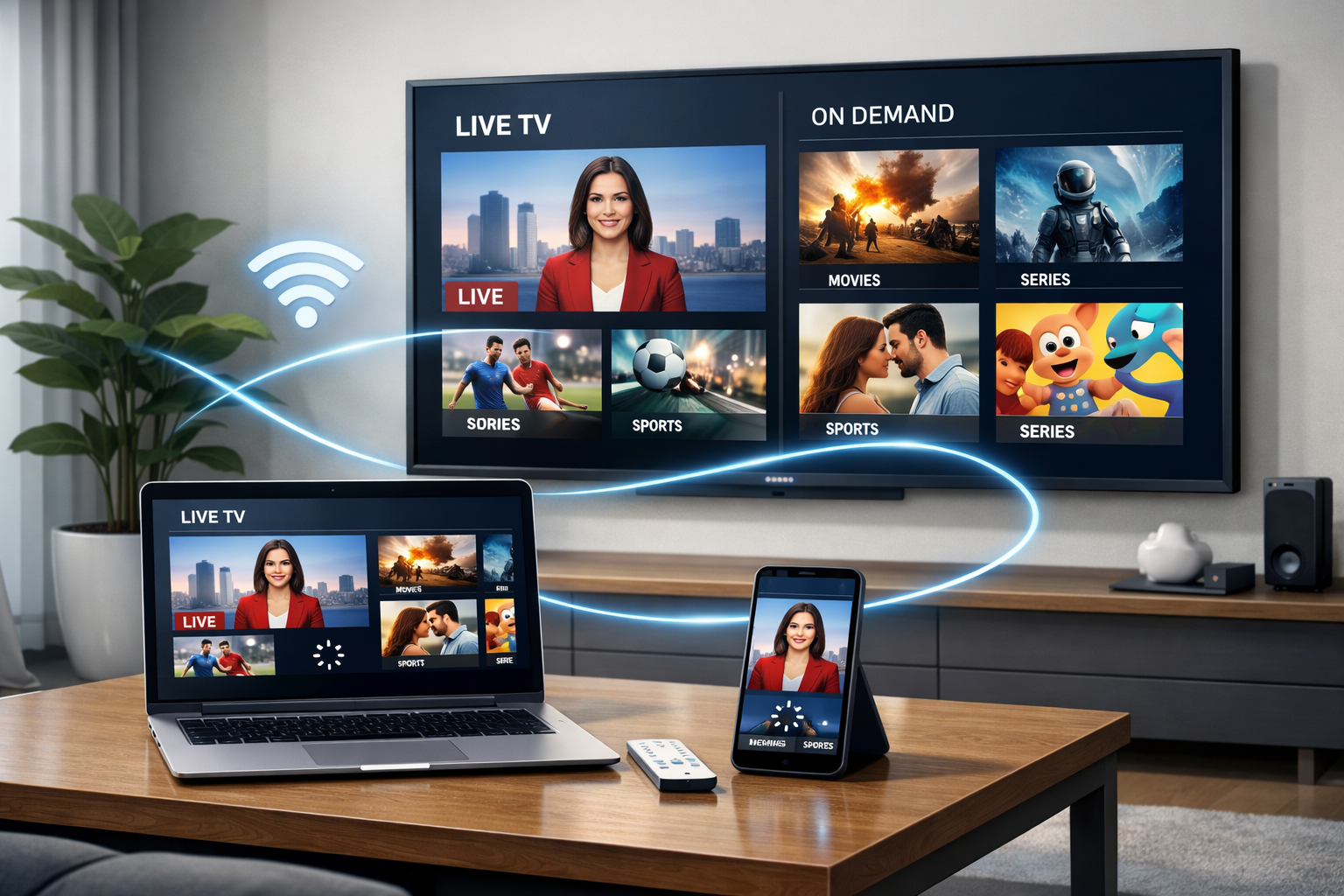
IPTV streaming is a modern way to watch TV over the internet instead of cable or satellite.
It can include live channels, on-demand libraries, and replay/catch-up features—delivered to smart TVs, streaming boxes, mobiles, and computers.
The real difference between a smooth experience and a frustrating one usually comes down to stability, device setup,
and how well the service is managed behind the scenes.
📌 What is IPTV streaming?
IPTV streaming is the delivery of television/video using Internet Protocol (IP) networks.
Instead of broadcasting every channel to everyone all the time, IPTV systems stream content on request—when you select a channel,
open a movie, or start a catch-up programme.
This “on-demand delivery” makes IPTV streaming flexible and device-friendly, but it also means quality can vary a lot depending on your
internet connection, your device, and the provider’s infrastructure.
🔄 How IPTV streaming works (simple flow)
At a high level, IPTV streaming follows a predictable pipeline. You don’t need to be technical to understand the basics:
- Source: TV/video is collected from legitimate media sources or broadcasters.
- Encode: Video is compressed into streamable formats (so it can travel efficiently online).
- Deliver: Streams are distributed through servers/CDNs and routed to viewers.
- Play: Your IPTV app/player decodes the stream and displays it on your device.
A good app helps the experience, but it can’t fix weak infrastructure.
📺 Types of IPTV streaming
Live IPTV streaming
Real-time channels streamed over the internet, similar to traditional live TV.
On-demand IPTV streaming
Movies and shows that start when you click play (no schedule).
Time-shifted / catch-up streaming
Replay previously aired content (catch-up windows depend on the provider).
Many platforms combine all three, but quality can differ between live, VOD, and catch-up depending on how content is stored and delivered.
⭐ Benefits of IPTV streaming
- Flexible viewing: watch live or on-demand without fixed schedules.
- Multi-device access: TV, streaming box, mobile, tablet, and computer support.
- Efficient delivery: content streams only when requested.
- Easy setup: usually no dish installation or physical cabling changes.
- Modern features: EPG, profiles, favourites, search, and sometimes catch-up.
📶 What affects IPTV streaming quality?
Most issues users experience (buffering, freezing, quality drops) come from a small set of factors:
Internet stability
Not just speed—consistent latency and fewer spikes matter more for live playback.
Peak-hour load
Even strong services can struggle if infrastructure isn’t designed for high-demand periods.
Device performance
Underpowered TVs/boxes can lag in menus, EPG, and high-bitrate playback.
Wi-Fi vs Ethernet
Wi-Fi can be fine, but Ethernet is typically more stable for the main TV.
Player configuration
Buffer settings, hardware decoding, and stream format support can change the experience.
Provider routing/CDN
Where servers sit and how traffic routes can affect stability—especially internationally.
🛒 What to check before choosing IPTV streaming services
If you’re evaluating IPTV streaming options, focus on verification and stability—not marketing claims.
- Transparency: clear policies, support routes, device limits, and what’s included.
- Trial/short plan: enough time to test during peak hours on your actual device.
- EPG reliability: guide accuracy matters for daily use (especially live content).
- Device compatibility: smart TV, Android/Google TV, Fire TV, iOS, PC—what’s officially supported.
- Support response: how quickly do they resolve issues and communicate outages?
That’s when problems show up first.
🧰 Best setup tips for smoother IPTV streaming
Use Ethernet for the main TV
If you can run a cable, do it. It removes Wi-Fi interference from the equation.
Pick a stable streaming device
Modern streaming devices often outperform built-in smart TV apps for long-term stability.
Keep firmware updated
TV OS updates and player updates can fix decoding and playback bugs.
Reduce local network congestion
Move the router, switch to 5GHz where appropriate, and avoid overloaded Wi-Fi channels.
If you want a deeper checklist: Best for IPTV (devices + setup) and
IPTV player apps explained.
⚖️ IPTV streaming and legal considerations (high level)
IPTV streaming technology itself is widely used across legitimate industries.
Legality depends on whether a service is authorised to distribute the content it offers, plus local rules and licensing.
If you’re unsure, prioritise transparent providers and review official resources.
You can also read our UK explainer: Is IPTV legal? (UK).
❓ FAQ
Is IPTV streaming the same as Netflix or YouTube?
The core idea is similar (internet-delivered video), but IPTV streaming often includes live TV and EPG-style navigation.
Why does IPTV streaming buffer even with fast internet?
Speed alone isn’t enough. Stability, routing, peak-hour load, and provider infrastructure often matter more.
Do IPTV player apps improve quality?
A good player helps usability and compatibility, but stream stability mainly depends on the provider and your network.